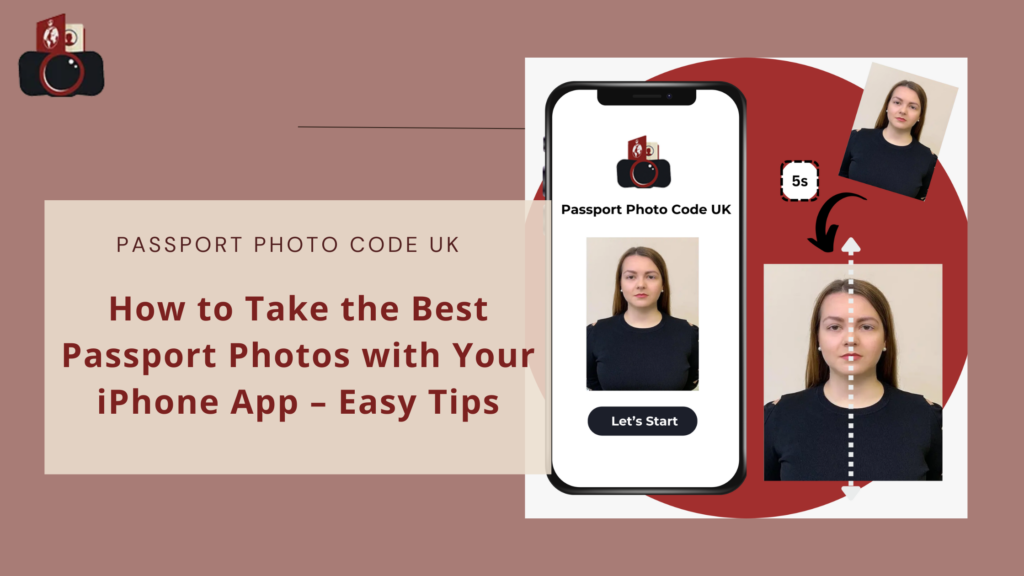
Featured guide
How to take a UK passport photo with your phone
Lighting, background, framing and what to avoid when using an iPhone or Android phone.
Read the guide →
Clear UK-focused guides for taking a better source photo, understanding HM Passport Office requirements and choosing the right digital, print or photo-code route.
Lighting, background, framing and what to avoid when using an iPhone or Android phone.
Read the guide →Start with the official-rule pages before comparing providers or troubleshooting an application.
Digital and printed rules, kept separate and easy to scan.
Open guide →File, image and online-application guidance for digital submissions.
Open guide →What a photo code is, how it differs from an image file and when you need one.
Open guide →Phone setup, lighting and biometric visibility are easier to fix before the photograph reaches an application form.
Use an iPhone or Android phone while keeping the source photograph natural and suitable for a UK application.
Read guide →
See how even light, shadows and glare affect clarity, facial visibility and the quality of the source photograph.
Read guide →
Understand why face position, visibility and a true likeness matter when HM Passport Office assesses a photograph.
Read guide →Age-specific guidance and practical photo-taking tips.
What to check when a UK passport photo is not accepted.
Common reasons a photo code may fail and what to verify next.
Compare shops, booths and online routes before travelling.
Commercial provider information is kept separate from official HM Passport Office requirements.
Core passport-photo guidance is reviewed against current GOV.UK and HM Passport Office material. Provider prices, bundles and service claims are treated separately from official rules.